
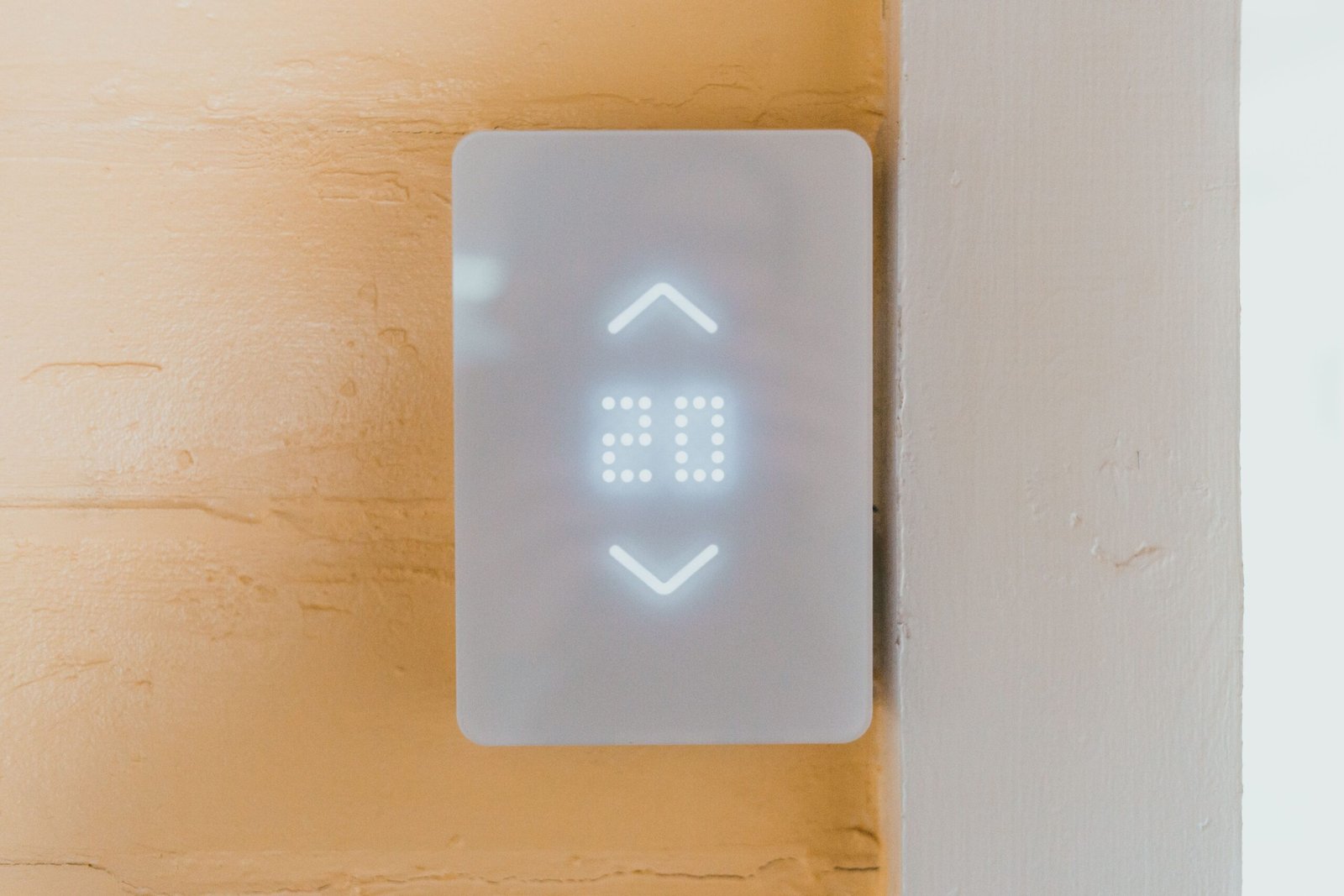
Is a Smart Thermostat Worth It? An Honest Look Before You Buy
As an Amazon Associate I earn from qualifying purchases. Some links in this post go to Amazon and may earn me a small commission at no extra cost to you.
Last Updated on October 25, 2026 by Smarteryouu
⭐ Is a Smart Thermostat Worth It? An Honest Look Before You Buy
Smart thermostats show up on almost every list of smart home upgrades, and the promise sounds great. A device that learns your routine, turns the heat down when nobody is home, and lets you warm the house from your phone on the drive back.
So is a smart thermostat worth it? For a lot of homes, yes. For some homes, honestly, not really. The difference usually comes down to how your household uses its heating today, what kind of system you have, and whether you already use the thermostat you own.
This guide walks through who gets the most from one, when a simpler option does the same job, and the compatibility checks worth doing before anything goes in the cart. It is the kind of purchase that is easy to get right with a few minutes of homework.

⭐ What a Smart Thermostat Actually Does
At its core, a smart thermostat does what any programmable thermostat does. It raises and lowers the temperature on a schedule. The difference is in how that schedule gets set and adjusted.
Most models connect to your home WiFi and an app on your phone. You can change the temperature from anywhere, see how long the system has been running, and adjust the schedule without squinting at tiny buttons on the wall.
Many also use your phone location to notice when everyone has left the house and when someone is on the way back. Some learn your habits over a few weeks and build a schedule on their own. Others support small remote sensors that sit in other rooms, so the system heats to the room you are actually in rather than the hallway where the thermostat hangs.
If you are new to connected devices in general, our home automation guide explains how these pieces fit together on a home network.
⭐ Who Gets the Most Out of One?
Households with changing schedules get the most from a smart thermostat. If people leave and come home at different times, travel often, or forget to turn the heat down, the automatic adjustments and phone control quietly fix that. Homes where someone is in all day see the smallest change.
People who work partly from home are a good example. A fixed schedule never quite fits a week where some days are in the office and some are not. Location features handle that without any thought.
It also helps anyone who likes to see what their heating is doing. The monthly reports are not exciting, but they make it easy to notice when the system is running far more than usual, which can be an early sign of a draft, a clogged filter, or a setting someone changed.
Smart thermostats also pair nicely with other routines. Our post on smart home automations has a few examples, like dropping the heat automatically when the last person locks the door.
⭐ When It Is Probably Not Worth the Money
If you already have a programmable thermostat and you actually use its schedule, the upgrade is mostly about convenience. That convenience is real, but you are not likely to notice a big change in your heating use.
Homes heated by electric baseboard heaters are another common mismatch. Most popular smart thermostats are made for central forced air furnaces and heat pumps. Baseboard heaters run on a higher voltage and need special models designed for them, usually one per room.
Renters should also pause before buying. Changing a thermostat usually needs the landlord to agree, and the device goes with you when you move, so it needs to suit your next place too. Our guide to smart home ideas for renters covers upgrades that are easier to take along.
And if the household simply prefers to set one comfortable temperature and leave it, a smart thermostat has very little to work with. That is a perfectly reasonable way to live, and it does not need a new gadget.
⭐ Will a Smart Thermostat Work With Your Heating System?
Most smart thermostats work with common forced air furnaces, and many work with heat pumps and boilers. The main thing to check is whether your current wiring includes a C wire, which supplies steady power. Every major brand has a compatibility checker on its website that walks you through it.
The easiest way to check is to turn the system off at the breaker, take the cover off your current thermostat, and photograph the wires and the letters beside each one. Those letters are what the compatibility checker asks about.
If there is no C wire, many models include an adapter or offer one separately, and some work without it. Check the specific model before buying rather than assuming.
If anything looks unusual, like a thick bundle of wires or a system that controls both heating and cooling in an unexpected way, it is worth having a heating technician or electrician do the installation. The fee is small next to the cost of a furnace service call in January.
⭐ How Much Can a Smart Thermostat Really Save?
Savings depend almost entirely on your habits before the upgrade. The device saves money by lowering the temperature when you are asleep or away. If you already do that faithfully, savings will be small. If the heat runs at the same temperature all day and night, the difference tends to be more noticeable.
It helps to think of a smart thermostat as a tool that makes good habits automatic, rather than a device that saves money by itself. The savings come from the setbacks it handles for you.
Some energy utilities and provincial programs have offered rebates on qualifying smart thermostats from time to time. Those programs change often, so check your own utility website before buying. A rebate can change the math quite a bit.
Heating efficiency also depends on the house itself. Our checklist on getting your home ready for winter covers the drafts and filters that affect every heating system, smart or not.
⭐ Features Worth Paying For, and Ones to Skip
Remote room sensors are the feature most people end up glad they paid for, especially in homes with one bedroom or office that always runs cold. Being able to tell the system which room matters at night solves a lot of small comfort complaints.
Location based home and away detection is also genuinely useful, and most models include it now. A clear, easy app matters more than a long feature list, since that is how you will interact with the device every day.
Things you can usually skip are built in voice assistants and fancy screens. You probably already have a phone and a speaker that do those jobs.
It is also worth choosing a thermostat that works with the smart home system you already use, so everything shows up in one app. Our post about choosing a smart home ecosystem explains why that matters more over time than any single feature.
⭐ Getting the Most From It After It Is Installed
Start with a simple schedule. Pick a comfortable temperature for when people are home and awake, a lower one for sleeping, and a lower one again for when the house is empty. Small changes of a few degrees are easier to live with than big ones.
Give any learning features a couple of weeks before judging them. They need time to notice your patterns, and adjusting the temperature constantly in the first few days can confuse them.
Turn on the filter reminder if your model has one. A clogged furnace filter makes any system work harder, and a reminder on your phone is easier to remember than a sticky note on the furnace.
Finally, make sure everyone in the household can use the app or the wall controls. A smart thermostat that only one person understands tends to get switched to manual mode within a month. There are more ideas like this on our Smart Home page.
⭐ How Long Does It Take to Install a Smart Thermostat?
For a standard forced air system with the right wiring, most people finish in under an hour. The steps are turning the power off at the breaker, removing the old thermostat, labelling the wires, mounting the new base, connecting the wires, and running the setup in the app.
The part that takes the most care is labelling the wires. Most new thermostats come with small stickers for this. Put one on each wire before you disconnect it, matching the letter printed beside it on the old base, and take a clear photo as a backup.
Expect a little patching or painting afterward. Older thermostats are often larger than new ones and leave a faded outline or a few screw holes on the wall. Many models include a trim plate that covers the marks, which saves a trip to the paint aisle.
Once the device powers up, the app walks you through connecting to WiFi, confirming your heating type, and setting a first schedule. Run the heat for a few minutes afterward to make sure the furnace responds properly. If it does not, turn the power off again and recheck the wiring against your photo before trying anything else.
If any of this feels uncomfortable, there is no shame in booking a technician. Many retailers and heating companies offer installation for a modest fee, and it comes with the peace of mind that the job was done right.
⭐ Best Sellers
Top Products and Picks
Three items that cover the main setup, the most useful add on, and the fix for older wiring.
If you heat with baseboards
Mysa Smart Thermostat LITE
For homes with electric baseboard heaters, where most smart thermostats will not work. Designed in Canada and installed one per room. Check your wiring first, since it needs four wires and will not work on a two wire setup.
Check price on AmazonFor most forced air homes
ecobee Smart Thermostat Essential
For a furnace or heat pump home that wants a schedule, phone control and home and away settings without paying for extras. Run the ecobee compatibility checker with a photo of your wiring before you order.
Check price on AmazonAdd later for one cold room
ecobee SmartSensor, Two Pack
For a bedroom or office that always runs colder than the hallway. The sensor tells the thermostat which room matters at night. These work only with ecobee thermostats, so add them once the thermostat is in.
Check price on Amazon⭐ Final Thoughts
A smart thermostat is one of the more practical smart home upgrades, but it works best when it fits the way your household already lives. Changing schedules, frequent travel, and forgetful mornings are where it earns its place.
Before buying, take a quick photo of your current wiring, run it through a compatibility checker, and look for any rebates in your area. Those few minutes answer most of the questions that matter.
If it turns out your home is a good fit, start simple and let the device settle in. If it turns out you already manage your heating well, that is a perfectly good outcome too. Either way, you will know your home a little better, and that is always worth something.