
Smart Home Security: What Actually Protects Your Devices and What Does Not
As an Amazon Associate I earn from qualifying purchases. Some links in this post go to Amazon and may earn me a small commission at no extra cost to you.
Last Updated on September 12, 2026 by Smarteryouu
⭐ Smart Home Security: What Actually Protects Your Devices and What Does Not
Smart home security means two completely different things and almost every article mixes them up. One is watching the outside of your house with cameras, which is a separate subject covered elsewhere on this site. The other is protecting the devices themselves and the accounts they answer to, which is the half nobody photographs and the half that actually gets people into trouble. This is about the second one, and it starts by clearing up something that gets repeated constantly and is not true. Your bulbs, plugs, cameras and doorbell cannot be protected by security software, because there is nowhere to install any. What protects them is duller, free, and takes about twenty minutes. Once that is done there is a genuine and narrower role for the software, and this covers where that role actually is.

⭐ What Actually Protects a Connected Home?
Four things, in this order. A strong unique password on every account your devices answer to, two step verification turned on for those accounts, automatic updates left switched on, and a router that has been updated and had its default password changed. That is most of it, and none of it costs anything.
This is unsatisfying advice because there is nothing to buy, which is precisely why it gets skipped in favor of a purchase. The uncomfortable truth is that almost every story about somebody’s camera being accessed comes back to a reused password rather than to a clever attack on the device.
If you do only one thing from this entire post, turn on two step verification for whichever account holds your cameras. It takes five minutes and it closes the door that people actually walk through.
⭐ Why Your Devices Cannot Run Security Software
A smart bulb is a tiny computer with just enough capacity to do one job. There is no operating system you can log into, no place to install anything, and no way to run a scan. The same is true of a plug, a sensor, a doorbell and almost every camera.
That is worth understanding because a great deal of writing about this subject implies otherwise, usually just before recommending something. If a product page suggests it will protect your smart devices, the honest question is how, and the answer is usually that it protects the phone or the computer you use to control them.
What actually keeps these devices secure is the manufacturer issuing updates and your devices installing them. That makes buying from a company likely to still exist in five years a security decision as much as a quality one, which the device roundup touches on, in the section about abandoned apps.
⭐ The Accounts Are the Weak Point
Everything a camera sees, everywhere a lock has been opened and every schedule in your house sits behind a login. That login is the actual perimeter, and it is usually protected by a password somebody also uses somewhere else.
The reason reuse matters is that a password leaked from an unrelated shopping site gets tried against everything, automatically and at scale. Nobody targets your house. A list gets tested and your account is on it, which is why two step verification is so effective, since a password alone stops being enough.
A password manager is the practical way to make unique passwords survivable, because nobody remembers thirty of them. And add the people you live with to the accounts properly rather than sharing one login, which is better for security and removes a household annoyance at the same time, as covered in the guide to living with a connected house.
⭐ Does a VPN Protect Smart Devices?
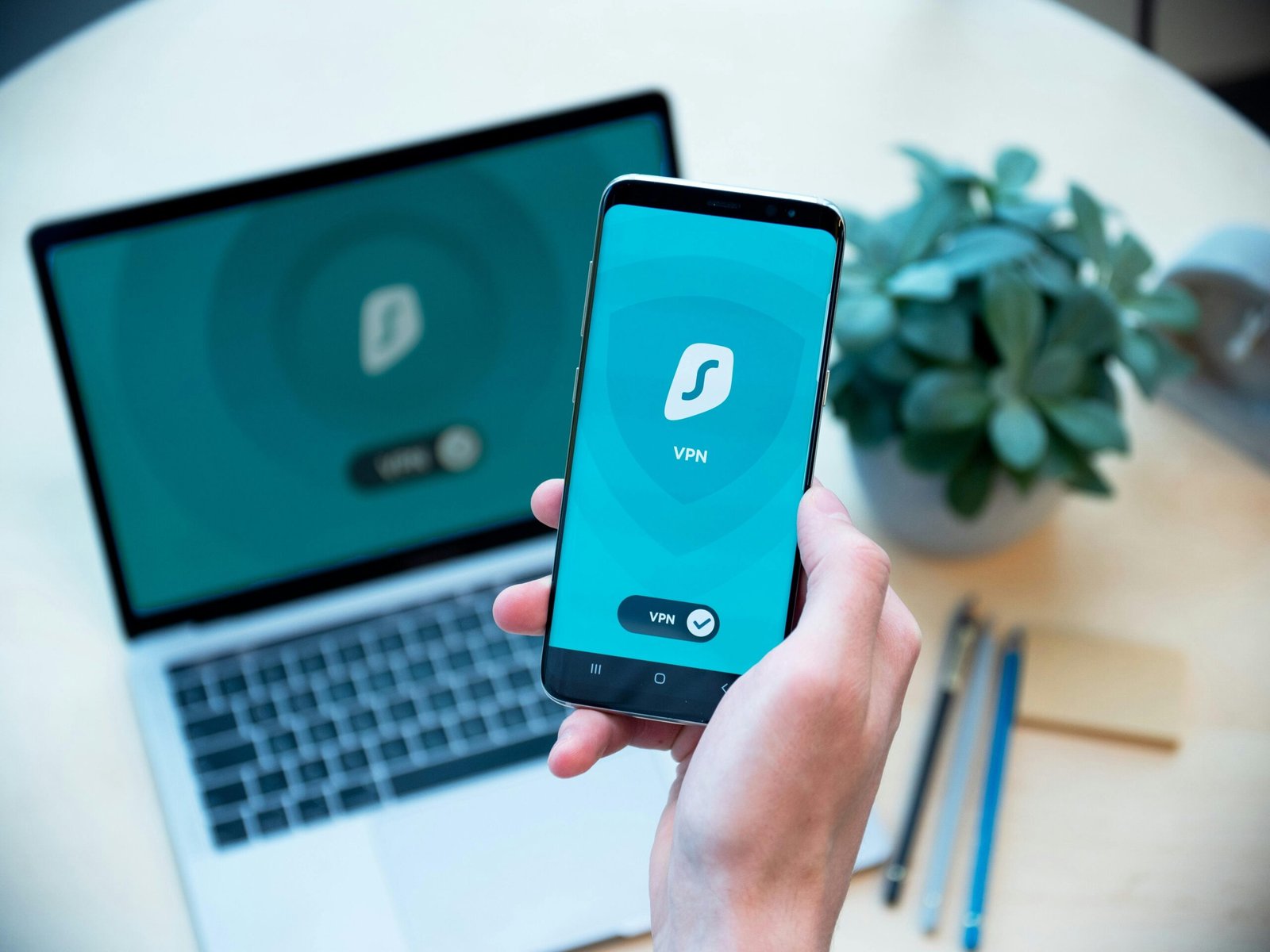
Not the devices, no. A VPN on your phone or laptop encrypts that device’s own traffic, which is genuinely valuable on public WiFi in a hotel or an airport. It does nothing for the bulbs and cameras sitting on your home network, and it does not stop somebody who has your password.
That is worth stating plainly because a VPN is often sold as smart home protection and it is not that. It is travel protection and privacy from your internet provider, both of which are reasonable things to want on their own terms.
If you check your cameras from hotels, airports or cafés, that is the situation where one earns its money, and a reputable VPN service is a sensible thing to have on the phone you do it from. Just buy it for the right reason, which is protecting your own connection rather than your house.
⭐ Where Security Software Genuinely Belongs
On the computers and phones, and the reason is more relevant to a smart home than it first appears. Those are the machines that hold the accounts controlling everything else.
A laptop with something unpleasant on it is a laptop where somebody can read the saved password to your camera account. Protecting the computer is therefore protecting the house, which is an honest version of the argument rather than the one usually made.
Any of the established suites do this job. Bitdefender Total Security and Norton 360 are the usual recommendations and both cover several devices on one licence, while McAfee Total Protection is the other mainstream option. Pick one, cover every computer and phone in the house, and leave it alone.
What none of them do is reach into a light bulb, and it is worth buying them knowing that.
⭐ The Router, and the Twenty Minute Job
The router is the front door of everything in this post and most people have not opened its settings since the day it arrived.
Three things are worth doing once. Change the administrator password from whatever came printed on the label, since that is public knowledge. Check that automatic firmware updates are switched on. And turn off remote administration unless you have a specific reason for it, because it is the setting that allows the router to be managed from outside your house.
A guest network is the fourth thing worth setting up and it is genuinely useful. Visitors go on that rather than on the network your cameras live on, and some households put their smart devices there permanently to keep them separate from laptops and phones.
All of that also improves how well everything works, since the router is the ceiling on the whole system, which the foundation guide covers in more detail.
⭐ What Should You Do First?
Turn on two step verification for the account holding your cameras. Then change the router administrator password. Those two take about ten minutes together and close the two doors that are actually used. Everything else on this page is worth doing and none of it matters as much as those.
After that, work through the accounts one at a time rather than trying to fix everything in an evening. Unique passwords on the ones that control something physical first, meaning cameras, locks and the router, then the rest at whatever pace suits.
And consider where your footage actually lives, because a system recording to a box in your own house has a smaller surface to worry about than one recording to somebody else’s servers. That trade is covered in my ten year review of a wired system.
⭐ Best Sellers
Top Products and Picks
- Bitdefender Total Security, for the computers and phones that hold your accounts. Buy a licence covering every machine in the house rather than one, since the weakest device is the one that matters.
- Norton 360, the alternative if you prefer it or find it cheaper. Either is fine, and having one is what matters rather than which.
- A VPN subscription, worth it if you check cameras or bank from hotels and cafés. Buy it for your own connection on the move, not on the assumption that it protects the devices at home.
- A hardware security key, for anyone who wants the strongest version of two step verification on the account holding their cameras. Cheap, one purchase, and the hardest thing to defeat remotely.
⭐ Final Thoughts
The frustrating thing about this subject is that the effective advice is boring and free, and the interesting advice is mostly wrong. Nobody wants to hear that the answer is a password manager and a setting on a router.
But that genuinely is the answer, and it is worth knowing so you can stop worrying about the wrong things. Your bulbs are not the risk. The account that controls them is, along with the laptop where that account’s password is saved and the router everything sits behind.
Spend twenty minutes on those three and you are ahead of most households. Then buy the software for the computers, because that is a sensible purchase on its own terms, and let the light bulbs be light bulbs.
⭐ Additional Resources
The public guidance on securing accounts and devices covers the same four basics recommended here, which are strong unique passwords, multifactor authentication, keeping software updated and recognizing phishing. It is a short read and it is the neutral version of everything above.