
As an Amazon Associate I earn from qualifying purchases. Some links in this page go to Amazon and may earn me a small commission at no extra cost to you.
Some links on this page are affiliate links. If you buy through one, this site may earn a small commission at no extra cost to you. Nothing appears here because a brand asked.
⭐ What to Buy First
Three things in the order worth buying them, from the cheapest way to find out whether you enjoy this to the upgrade that makes everything else reliable.
Start here rather than with bulbs. Plugs work with lamps you already own, need no hub and no wiring, and within a fortnight they tell you whether you actually enjoy living this way. The mini size matters, since a bulky plug covers the second socket in a double outlet. One setup note: these join the 2.4GHz band, so if your router presents one combined network you may need to split it briefly while they connect.
Check price on AmazonThis is the only device on the page that prevents an expensive problem rather than recording one. Put them under the sinks, behind the washing machine and beside the water heater, which are the places a slow leak runs for a fortnight before anybody notices. They then sit there doing nothing for years, which is exactly what you want from them.
Check price on AmazonBuy this when devices at the far end of the house drop off and do not come back. That is a coverage problem, and almost everybody misdiagnoses it and replaces the device instead, which puts a new thing in the same weak spot. Worth doing before you pass roughly a dozen connected devices rather than after.
Check price on Amazon⭐ Smart Home Ideas and Honest Guides for a House That Actually Works Better
Most smart home ideas are written by people who have owned the device for a fortnight. That is long enough to learn what a thing does and nowhere near long enough to learn whether it lasts, whether the app still works after two updates, or whether anybody in the household is still using it in year three. Almost everything here has been running in my own house for years rather than weeks. Some of it has been excellent and some of it has quietly stopped earning its place, and both are worth writing down. What follows is sorted by the decision you are actually facing rather than by device category. What to buy first when you have nothing. What to get right before you buy anything at all. Which things genuinely save time and which are a novelty. And what happens on the evening the internet goes down and half the house stops responding.

⭐ What Should You Buy First?
Smart bulbs and smart plugs, in that order, and nothing else until you have lived with them. They cost very little, they need no wiring, they work on their own without a hub, and within a fortnight they tell you whether you actually enjoy this or find it irritating.
That answer disappoints people who came looking for the impressive stuff. It is still the right one, because the failure mode in this hobby is not buying a bad device. It is buying six good devices at once, on four different apps, and abandoning the whole thing by March.
Plugs in particular are underrated. A lamp, a kettle, a fan and a Christmas tree on schedules will change your evenings more than a voice assistant will, and if you decide the whole idea is not for you, you are out very little. The guide to what to buy first works through the whole order and what each stage costs, and the bulbs and plugs guide covers the two starting items in detail.
⭐ Get the Network Right Before the Gadgets
This is the step almost everybody skips and it is the one that decides whether the next three years are pleasant. Smart devices are not demanding individually. Thirty of them on a router meant for six are a different matter.
Two things matter more than speed. Coverage, because a camera at the far end of the garden is on the edge of the signal and edge of signal is where devices drop off and never come back. And the number of connections your router can actually hold, which is rarely printed on the box and is the real ceiling on how far you can take this.
The other early decision is which ecosystem you are committing to, because it is expensive to change later. The foundation guide covers routers, mesh, ecosystems, Matter and how to budget for the whole thing, and the post on choosing an ecosystem covers what it feels like to move from one to another, since I have done it.
⭐ Which Devices Actually Earn Their Place?
The ones you stop noticing. Bulbs and plugs on schedules, a robot vacuum, a doorbell camera and leak sensors all disappear into the background and keep working. Anything you have to open an app to enjoy tends to get used for a month and then forgotten.
That is the whole test, and it is worth applying before every purchase. Does this run by itself, or does it need me to remember it? A light that comes on at dusk earns its place forever. A speaker that needs a specific phrase to do a specific thing is a party trick.
The robot vacuum is the clearest example of a device that quietly won. It runs while nobody is home, it needs about two minutes of attention a week, and the floors are simply better than they were. The honest audit of what earns its place goes through the winners and the disappointments, and the robot vacuum guide covers what actually matters when choosing one.
⭐ The Automations Worth the Setup Time
An automation is worth building when it removes a decision you were making every day anyway. Everything else is a demonstration you will show a visitor once.
Four of them do most of the work in an ordinary house. Lights that follow the sunset rather than a fixed time. An away mode that turns things off when the last phone leaves. A wind down routine in the evening. And leak sensors under the sinks and behind the washing machine, which is the cheapest insurance in this entire category and the only one that has ever saved somebody a floor.
What they have in common is that nobody has to remember them. The guide to automations that actually save time walks through building each one and the mistakes that make an automation more annoying than the problem it solved.
⭐ Security Is Two Different Problems
People use one word for two unrelated things here, and conflating them is why so many households end up with cameras and a completely open network.
The first is watching the outside of your house. Cameras, a doorbell, sensors on doors. The main decision is wired against wireless, and it is a bigger decision than the brand. My own outdoor cameras are Power Over Ethernet and have been recording continuously for ten years with no subscription and no batteries to change, while the wireless doorbell is far easier to install and needs charging. Both are defensible. They are just not the same product.
The second is protecting the accounts and the network those devices sit on, which is the half nobody photographs. A camera is only as private as the password on the account it streams to. The ten year review of a wired camera system covers the wired case, the Ring monitoring guide covers the wireless one, and the network and account security guide covers the part that actually gets people into trouble.
⭐ What Happens When the Internet Goes Down?
More than you would like. Most smart bulbs will not switch on from an app, voice control stops entirely, and cameras that record to the cloud record nothing. What keeps working is anything with a physical switch and anything that stores locally.
This is the single best reason to keep ordinary switches and ordinary keys in the house rather than removing them. A smart home should be a layer on top of a normal house, not a replacement for one, and the households that regret the whole thing are usually the ones that removed the fallback.
It is also the argument for keeping some things local. My cameras record to a box in the house rather than to somebody else’s server, and my files live on a drive in the basement rather than in a subscription. Neither choice is for everyone, but both keep working on the evening the connection does not. The guide to actually living with it covers outages, household friction and the things that break, and the post on local storage covers keeping your own files.
⭐ How Anything Gets Recommended Here
Nothing appears in these guides because a brand asked. The method is slow and fairly unglamorous. I buy the thing, live with it, and write down what happened.
In this category that matters more than in most, because almost every smart device works beautifully for the first month. The differences show up later. Which app is abandoned by its maker. Which battery lasts a winter. Which camera is still recording after a decade, and which one needed replacing in year three. Ten years of continuous recording is a fact you cannot get from a review written in week two.
So some popular products are not here, because I have not owned them. Several recommendations come with a caveat rather than a clean endorsement. And where the common advice turns out to be weaker than it sounds, the post says so, which is less satisfying to write than another confident tip but is the entire reason this site exists.
⭐ Best Sellers
Top Products and Picks
- A smart plug multipack, the right first purchase for anyone who owns nothing yet. Cheap enough to be a genuine trial, useful on day one with no hub, and the fastest way to find out whether any of this suits how you live.
- A set of smart bulbs for one room, not the whole house. Do a single room first, live with it for a month, then decide. Buying for every room at once is the most common way people end up with a drawer of old bulbs.
- A pack of water leak sensors, worth buying before any camera. They cost very little, they need no maintenance, and they are the only device in this category that has ever prevented a genuinely expensive problem.
- A mesh WiFi system, the upgrade to make once you pass roughly a dozen connected devices or once anything at the edge of the house keeps dropping off. Do this before adding more devices rather than after.
⭐ Final Thoughts
The best version of this is boring, and that is worth saying plainly because none of the marketing will. A house that works well is one where the lights are already on when you come in, the floors are clean without anyone thinking about it, and you have not opened an app in weeks.
The version that goes wrong is the impressive one. Four apps, a scene nobody remembers the name of, a speaker that mishears, and a household quietly working around the technology instead of with it. That happens when things get bought faster than they get lived with.
So buy one thing. Use it for a month. Notice whether you would miss it if it vanished. If the answer is yes, buy the next one, and if the answer is no, you have learned something for the price of a light bulb. Every setup I have that still works years later was assembled exactly that way, and every part I regret was bought in an enthusiastic afternoon.
⭐ Additional Resources
For the energy side of all this, which is where a lot of the honest savings actually are, the official guidance on smart home energy use covers thermostats, lighting and scheduling, and is a useful counterweight to the claims made on product pages.
-
Is a Smart Thermostat Worth It? An Honest Look Before You Buy
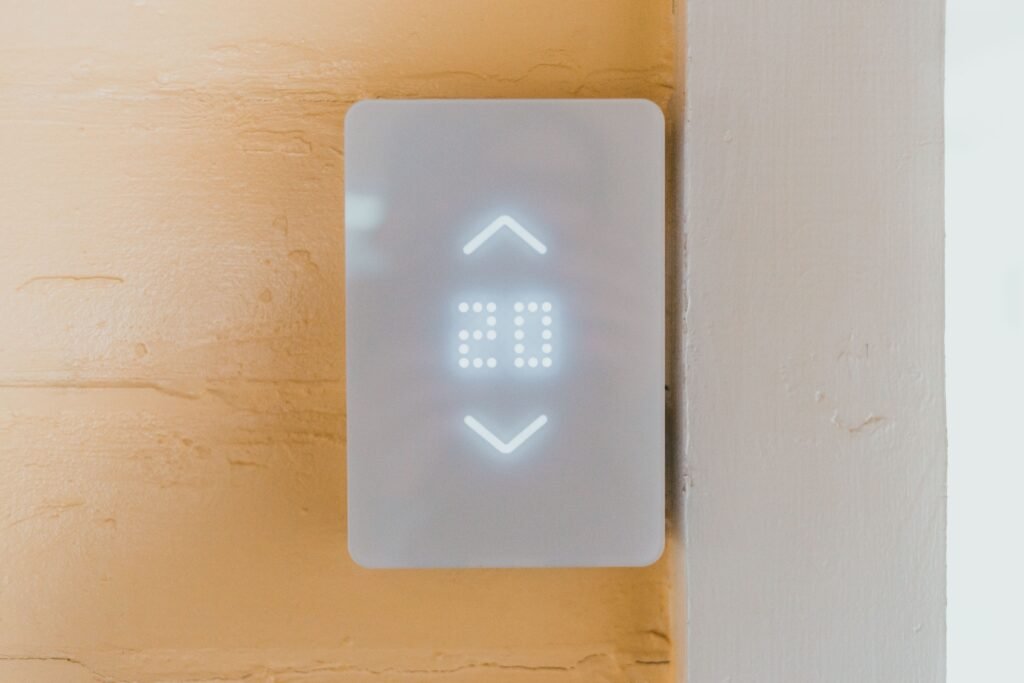
Last Updated on October 25, 2026 by Smarteryouu ⭐ Is a Smart Thermostat Worth It? An Honest Look Before You Buy Smart thermostats show up on almost every list of smart home upgrades, and the promise sounds great. A device that learns your routine, turns the heat down when nobody is home, and lets you…
-
Smart Home for Renters: Upgrades You Can Take With You When You Move
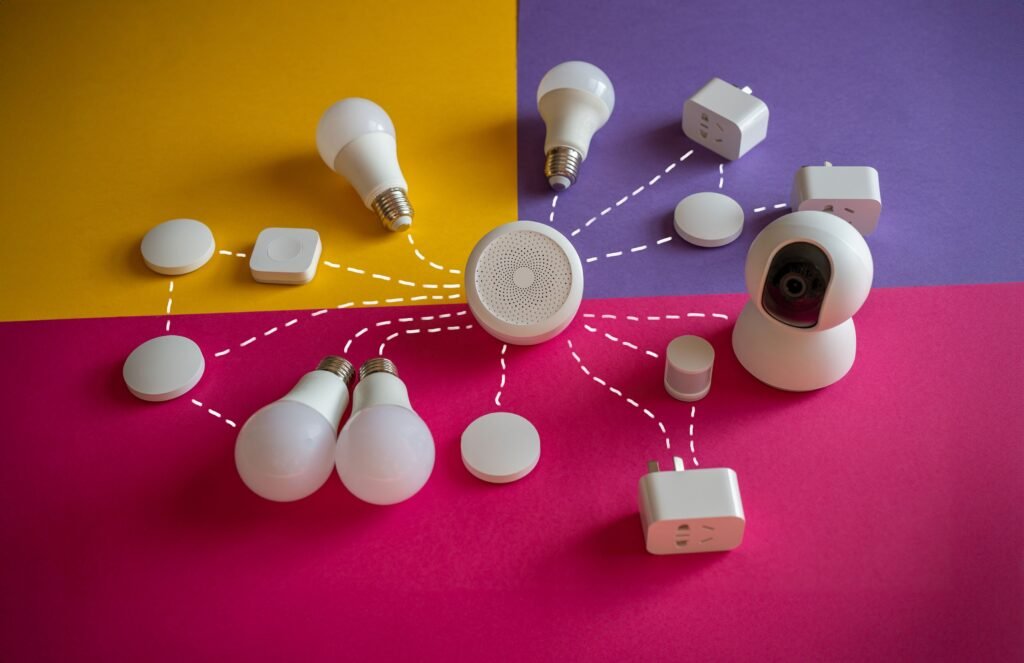
Last Updated on October 4, 2026 by Smarteryouu ⭐ Smart Home for Renters: Upgrades You Can Take With You When You Move A lot of smart home advice quietly assumes you own the place. Replace the light switches, rewire the thermostat, mount a camera on the front of the house. For renters, most of that…
-
Smart Home Living Tips: Household Habits, Outages and What to Do When It Breaks
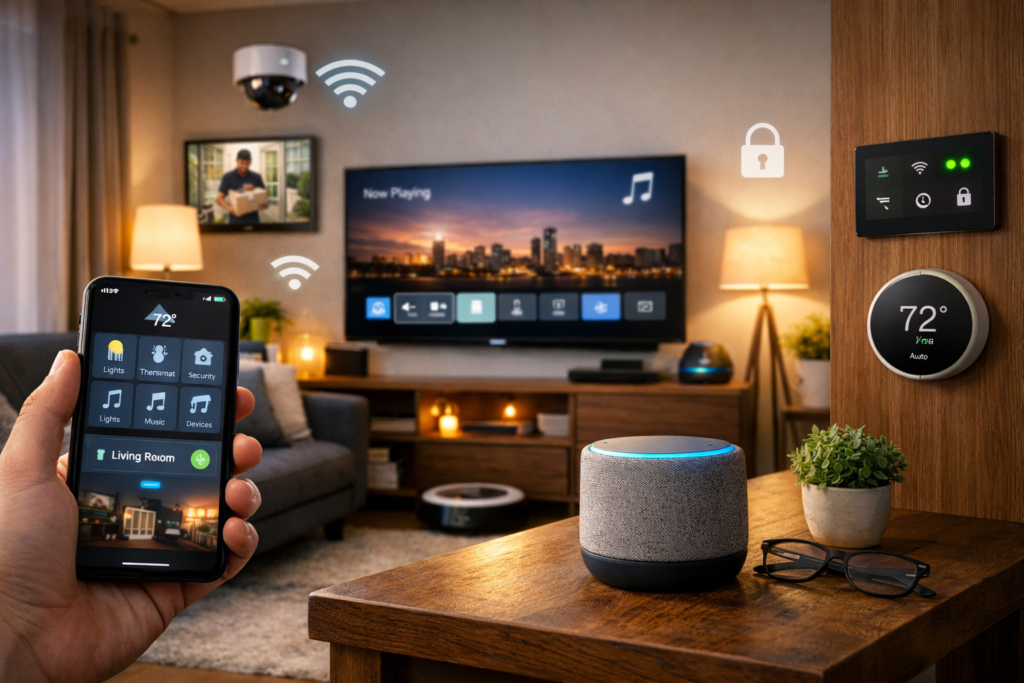
Last Updated on September 11, 2026 by Smarteryouu ⭐ Smart Home Living Tips: Household Habits, Outages and What to Do When It Breaks Almost everything written about this subject stops at the moment of purchase, which is strange, because buying the devices is the easy part and takes an afternoon. Living with them is the…
-
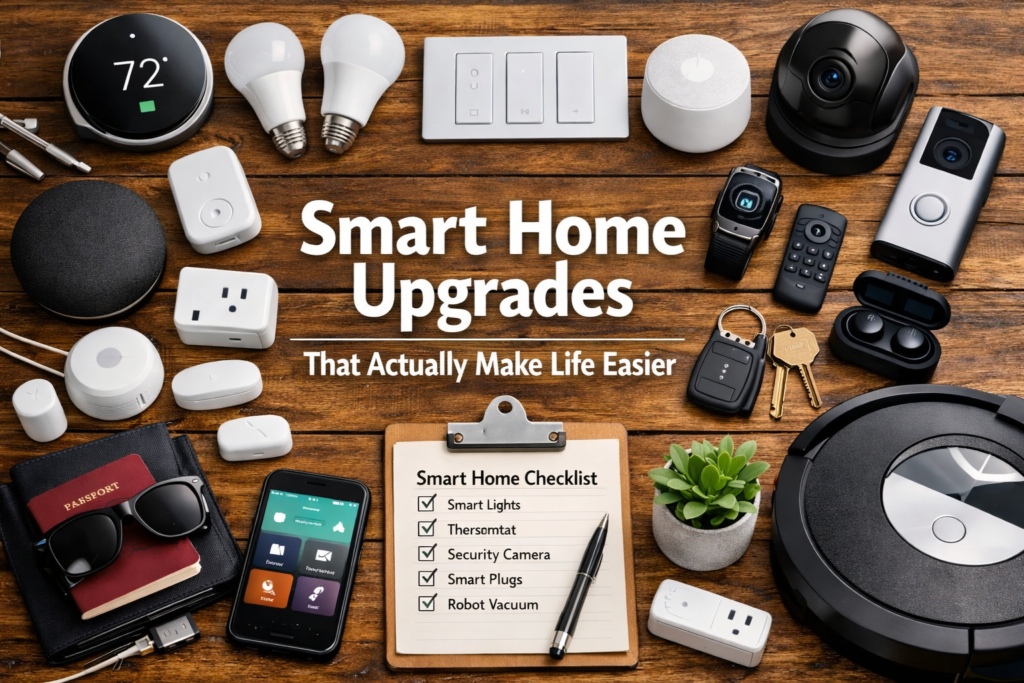
Smart Home Upgrades: What Actually Earned Its Place and What Got Unplugged
Last Updated on September 11, 2026 by Smarteryouu ⭐ Smart Home Upgrades: What Actually Earned Its Place and What Got Unplugged The interesting question about smart home upgrades is not which ones are good. Almost all of them work as advertised. The interesting question is which ones you are still using in year three, because…
-
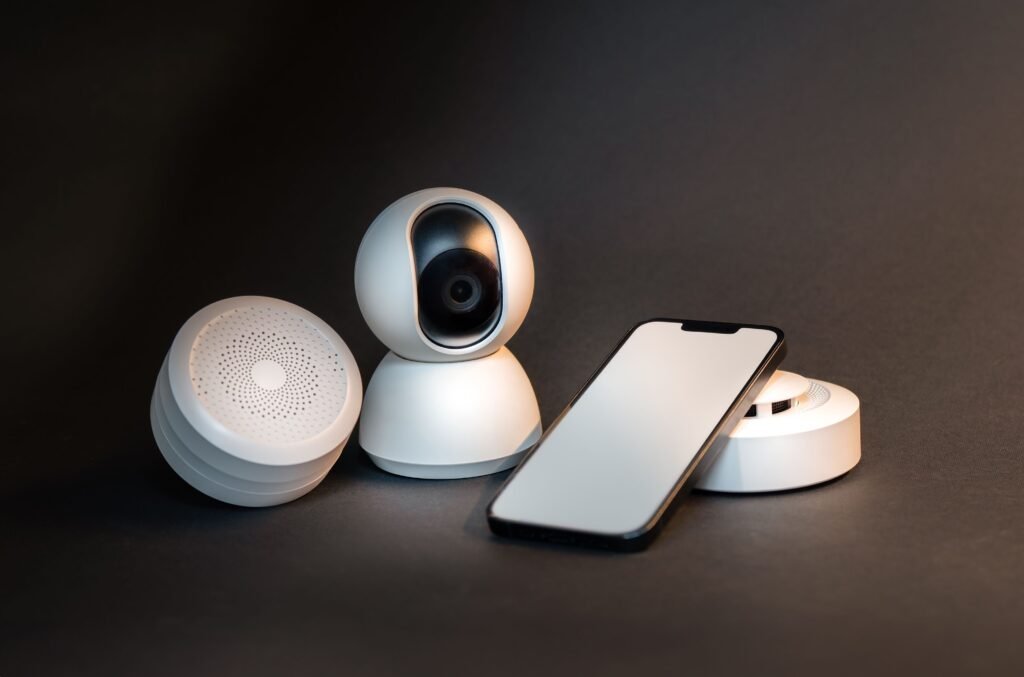
Smart Home Essentials Room by Room: What Actually Belongs Where
Last Updated on September 11, 2026 by Smarteryouu ⭐ Smart Home Essentials Room by Room: What Actually Belongs Where Lists of smart home essentials are almost always organized by device, which is how shops think rather than how anybody lives. Nobody stands in their hallway wondering whether to buy a sensor. They stand there noticing…
-
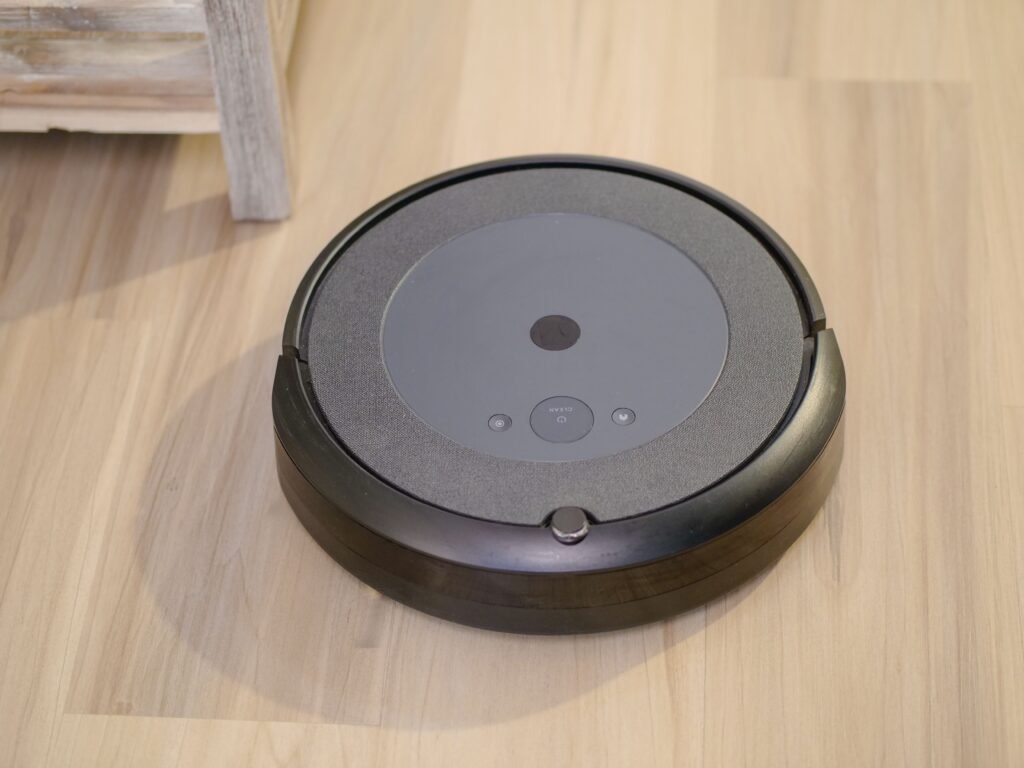
Robot Vacuum Guide: What Actually Matters After Living With One
Last Updated on September 10, 2026 by Smarteryouu ⭐ Robot Vacuum Guide: What Actually Matters After Living With One Almost every robot vacuum guide is organized around features, which is the wrong shape, because the features that sell a machine and the features that change your week are not the same list. Suction numbers are…
-
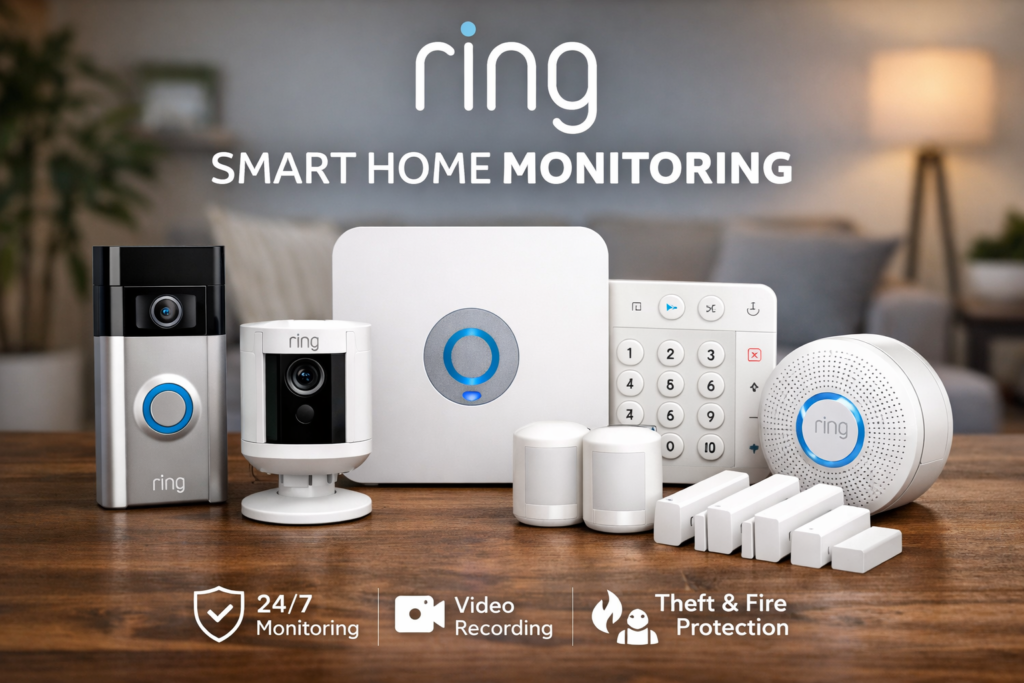
Ring Smart Home Monitoring: What It Does Well and Where It Falls Short
Last Updated on September 7, 2026 by Smarteryouu ⭐ Ring Smart Home Monitoring: What It Does Well and Where It Falls Short Ring smart home monitoring is the system most people meet first, because it is sold everywhere, it installs in an afternoon and it does not require anybody to come to your house. I…
-
Smart Home Automations That Actually Save Time, and the Ones That Do Not
Last Updated on September 12, 2026 by Smarteryouu ⭐ Smart Home Automations That Actually Save Time, and the Ones That Do Not Everybody builds too many smart home automations in the first month and then quietly deletes most of them. That is not a failure of imagination, it is what happens when you build routines…
-
Smart Home Security: What Actually Protects Your Devices and What Does Not
Last Updated on September 12, 2026 by Smarteryouu ⭐ Smart Home Security: What Actually Protects Your Devices and What Does Not Smart home security means two completely different things and almost every article mixes them up. One is watching the outside of your house with cameras, which is a separate subject covered elsewhere on this…
-
Smart Home Tips for Beginners: What to Buy First and in What Order
Last Updated on September 12, 2026 by Smarteryouu ⭐ Smart Home Tips for Beginners: What to Buy First and in What Order Almost every list of smart home tips for beginners is a list of devices, which is the wrong shape, because the question is not what exists. It is what you should buy first,…
-
Top Smart Home Devices: What Is Worth Buying and What Is Mostly Marketing
Last Updated on September 11, 2026 by Smarteryouu ⭐ Top Smart Home Devices: What Is Worth Buying and What Is Mostly Marketing Every roundup of the top smart home devices has the same problem, which is that everything on it is described as excellent. A list where every item is recommended is not a list,…
-

Choosing a Smart Home Ecosystem: What Switching Phones Taught Me About Getting Locked In
Last Updated on September 12, 2026 by Smarteryouu ⭐ Choosing a Smart Home Ecosystem: What Switching Phones Taught Me About Getting Locked In Every decision in a connected house can be undone cheaply except one. Bulbs can be replaced, a camera can be swapped, a hub can be sold on. The smart home ecosystem you…
Looking for more helpful reads? Check out my Amazing Articles section, where I highlight my most useful guides, top recommendations, and reader‑favorite posts across all niches. It’s the perfect place to discover more content that can help you upgrade your home, lifestyle, and daily routine.
🏡 Smart Home; 🏋️ Home Exercising; 🌿 Wellness & Organic Living; 🚗 Automobiles Essentials; ⭐ Best Sellers; 🏕️ Outdoor & Camping; 🛠️ Home Improvement; 🛋️ Home Decor Inspiration; 🧹 Storage & Organization; 🌱 Organic Products; ✈️ Travel Essentials; 🧰 DIY Tools; 🪑 Outdoor & Patio Furniture.